
Updated on April 7, 2026
Microsoft 365 Copilot is no longer a future concept. It’s here - and for many organizations, it’s already part of everyday work. Over the past couple of years, we’ve seen organizations move fast to roll out Copilot, invest in licenses, and run training programs to help employees get started. At Storyals, we created the Microsoft 365 Copilot Kick-start Program to do just that. But as users get familiar with the advanced features that Copilot brings, a new question arises – how can we keep building skills and ensure we take the investment in Microsoft 365 Copilot further to become a Frontier Firm?
Why an additional training program?
At Storyals, we believe foundational skills in Microsoft 365 and Copilot adoption is just the beginning. Value deepens as people learn how to work with Copilot in more advanced, intentional, and scalable ways - when employees start reinventing workflows, creating and sharing agents – fundamentally changing how work is done. That’s why we’re introducing the Storyals M365 Copilot Frontier Program - designed for organizations ready to move beyond getting started, to elevate the Copilot skills of your employees.
What is included in the Copilot Frontier program?
Similar to Storyals’ other training programs, the Microsoft 365 Copilot Frontier Program combines ease of execution, engaging live sessions with hands‑on learning, and anytime access to Storyals story-based learning. This program specifically includes:
- A dedicated Customer Success Manager
- An alignment session with IT to review Copilot configuration and agent settings
- Live group coaching sessions with hands-on exercises
- A collaborative Prompt‑a‑thon to accelerate prompting skills in a fun activity
- Access to Storyals on‑demand courses in SharePoint Online or LMS (Learning Management System) of choice
The goal is not just to teach features - but to help teams learn together, experiment safely, and raise the overall level of Copilot maturity in the organization.
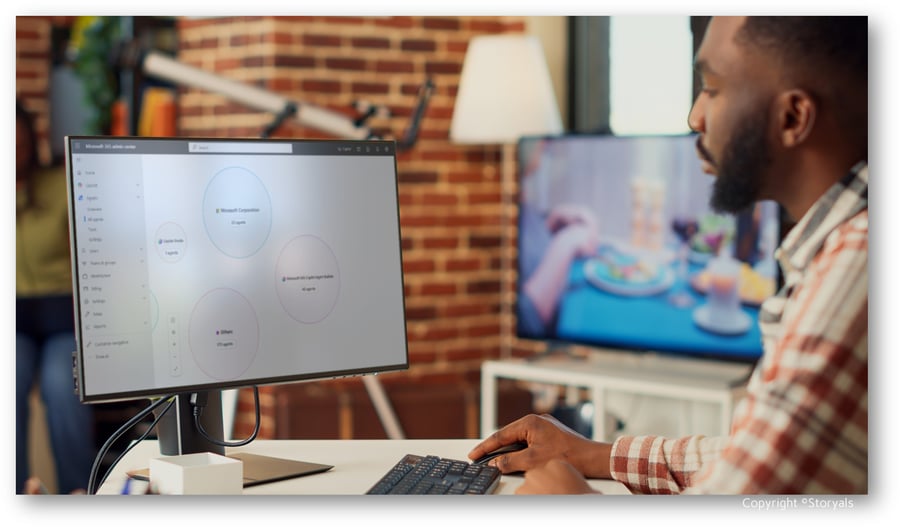
Live group coaching sessions
In the live group coaching sessions, which are fully aligned with the Microsoft Learn curriculum, Storyals experienced Productivity Coaches will walk users through how to:
Run effective meetings end-to-end with Copilot
In this session, attendees will learn how to plan, run, and follow up on meetings more effectively using Copilot - from smarter preparation leveraging People Skills, to better meeting execution using the Facilitator agent, and (if required) the Interpreter agent, and following up on meetings with meeting notes in Loop and audio recaps. The result is a practical understanding of how Copilot supports the entire meeting lifecycle, end to end.
Master information flow with Copilot
In this session, users deepen their understanding of how to bring multiple information sources into a single prompt, compare information by structuring it in tables, refine content in Pages, and share outcomes effectively with others. The session also introduces Copilot Notebooks as a natural entry point into building and evolving agents.
Dig into data with Copilot in SharePoint and Excel
In this session, participants get a deeper dive into working with data using Copilot in SharePoint and Excel. Participants are introduced to the more advanced AI capabilities in SharePoint that supports with content creation and management of metadata, and get more in-depth, hands‑on experience using Copilot in Excel to better understand various underlying model capabilities. The focus is on identifying practical quick wins that help turn data into clear, actionable insights.
Build and evolve Copilot agents
In the fourth session, participants learn how to build their own Copilot agent step by step - from understanding custom agents, to modifying, extending, sharing, and maintaining them responsibly over time. With the material provided, users will create a “Microsoft 365 Learning Agent” that can help them find relevant learning content based on their specific query.
Prompt-a-thon
Perhaps you’ve heard of hackathons before - collaborative sessions where developers come together to experiment and build solutions in a short amount of time. Inspired by this approach, Microsoft promotes Prompt‑a‑thons as part of its adoption guidance, helping users practice and improve how they work with Copilot through hands‑on exercises.
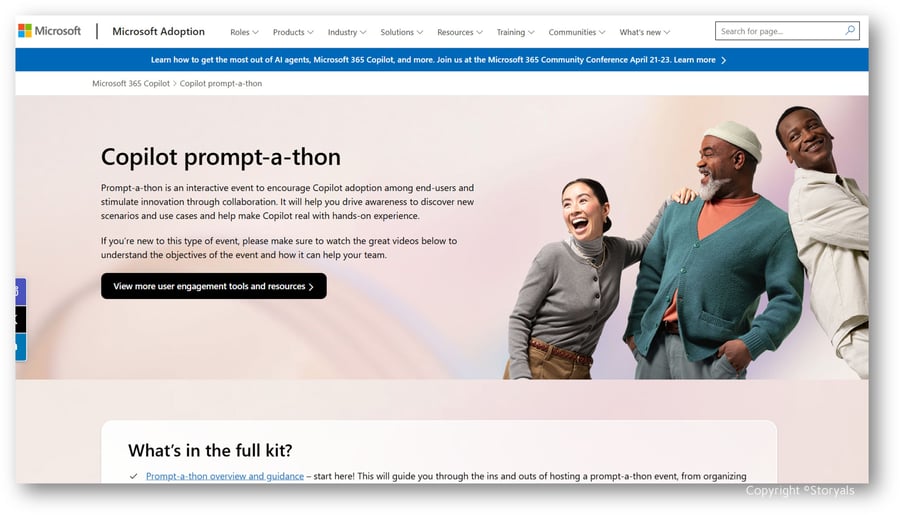
In the Storyals Microsoft 365 Copilot Frontier Program, we take this further with facilitated Prompt‑a‑thons (online or in person) where participants collaborate on real business scenarios. Users have a fun learning experience where they get to work together in teams and have a friendly competition with peers.
Sharing our own experiences
At Storyals, our view of frontier performance is shaped by how we work with Copilot ourselves. As we’ve moved beyond initial adoption, we’ve seen how value deepens when advanced use becomes intentional, shared, and guided. 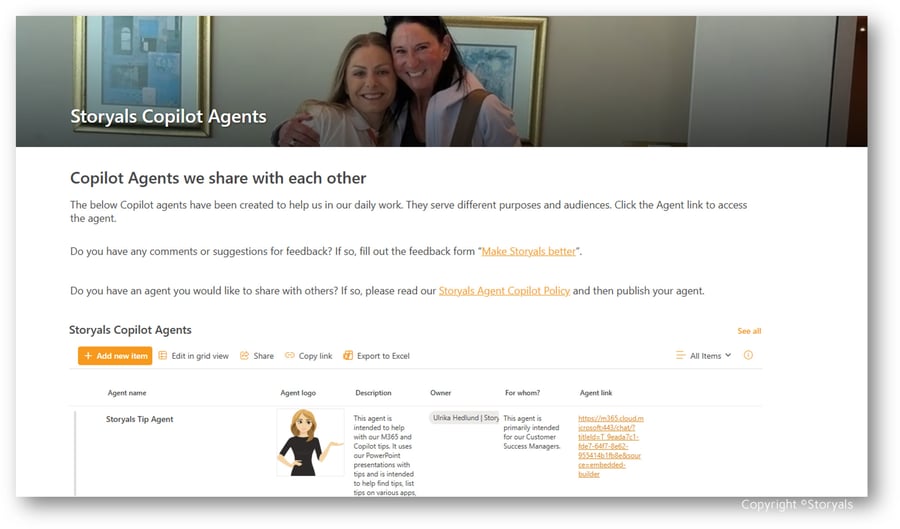
Creating and using Copilot agents has helped us rethink workflows, improve information flow, and support end‑to‑end ways of working - but only when combined with clear guidance, ownership, and a culture of sharing.